 ≡
≡
≡
≡
 Screenshots
Quick Information:
Current Version:
10.5.3what is new?
Supported Platforms:
 Windows
Vista. 7, 8, 10, 11,
2008, 2008R2, 2012,
2012R2, 2016, 2019, 2022
 Novell Client / Client for OES
for Windows
2 SP4 (IR1) … 2 SP4 (IR13),
2 SP5, 2 SP5 (IR1)
Price:
free to try$24.95 per copy
Quantity discounts
are available
All current automatic logon solutions for Microsoft Windows use one of two approaches. One group stores data in the system registry; the rest store their data in Local Security Authority storage (LSASecret). You can find different variations on these solutions, from predefined registry entry changes to separate programs. You can review almost all of them in our list of competitive automatic logon solutions.
Data from the registry can be retrieved simply with RegEdit, and data from LSASecret with any program which shows LSASecret passwords. These locations can also be accessed remotely via a network. Both solutions are absolutely insecure, as with either it is very simple to steal logon and password data.
LogonExpert is a secure approach to automatic logon. It stores logon data encrypted with the AES 256 algorithm. It directly interacts with WinLogon (the part of the operating system responsible for logon) to ensure that no other application can intercept logon data. It has many other useful features.
Windows Autologon with no human interaction
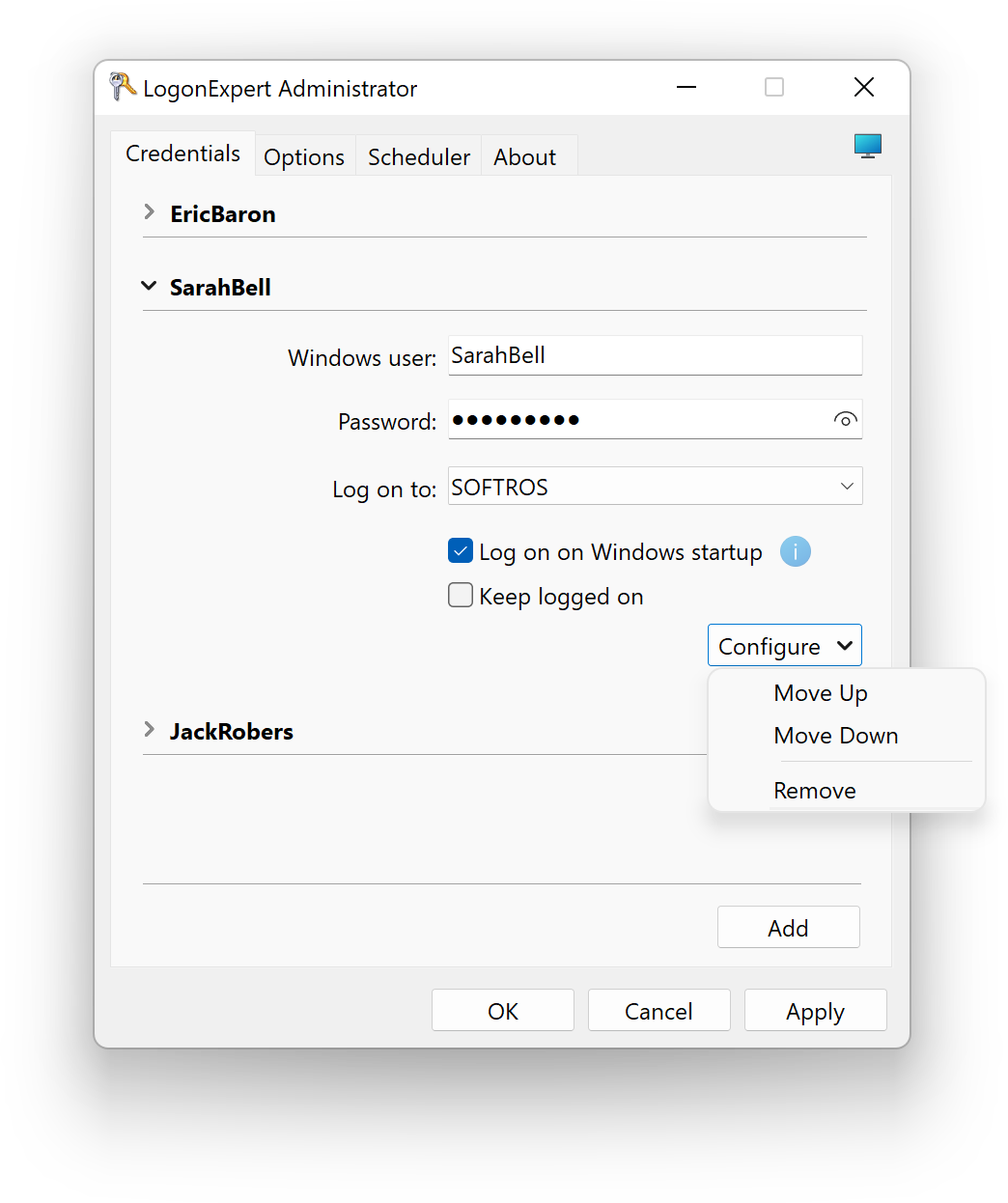
LogonExpert is easy to configure, stable and reliable.Secured automatic logon
The AES 256 encryption algorithm protects your logon data; direct interaction with WinLogon secures your computer while it’s logging in.Support of any type of Windows account
LogonExpert works with all types of Windows accounts including local or Active Directory domain accounts, Microsoft (formerly Windows Live) accounts, and Azure AD accounts. Moreover, both password and PIN based types of authentication are supported.Micro Focus OES autologon
LogonExpert works with Micro Focus OES eDirectory (formerly Novell Netware) and can additionally autologon its users keeping their credentials just as secure.Multi-user logon
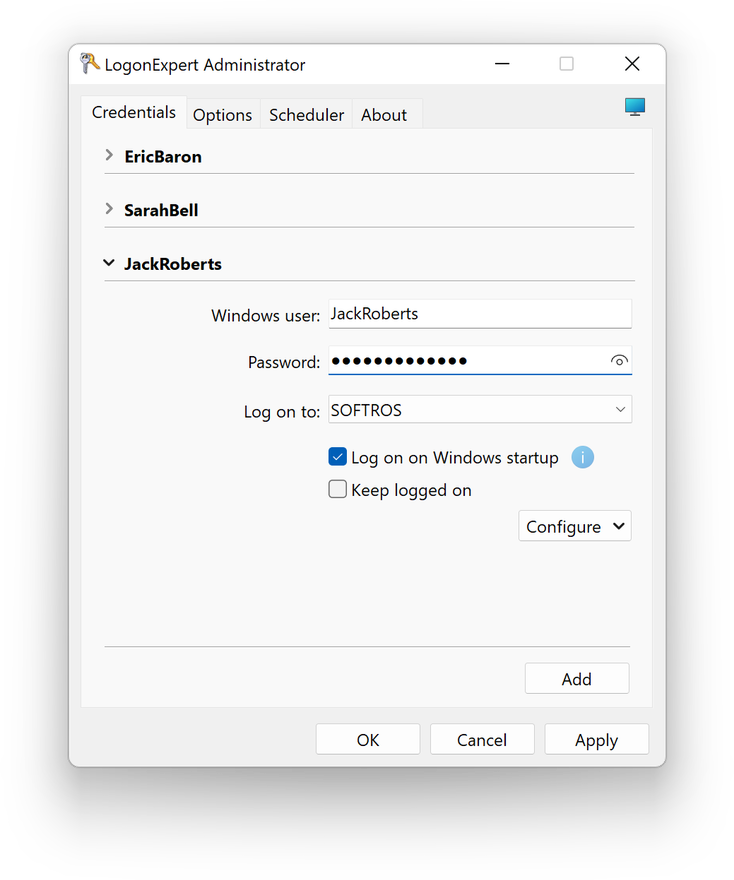
Add and log on any number of users to one computer simultaneously using the application’s interface, command line, scripts or scheduling tools.Advanced command line control
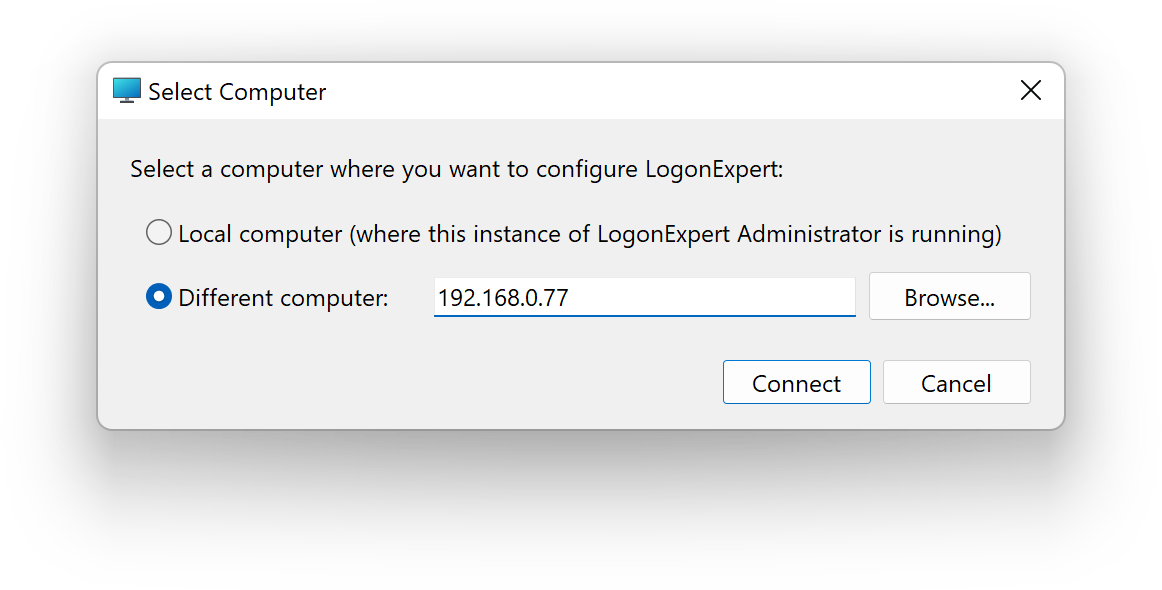
Activate or deactivate LogonExpert, log on or log off a specified user account, lock or unlock the computer, set up the logon credentials through the command line both locally and remotely.Locking computer after logon
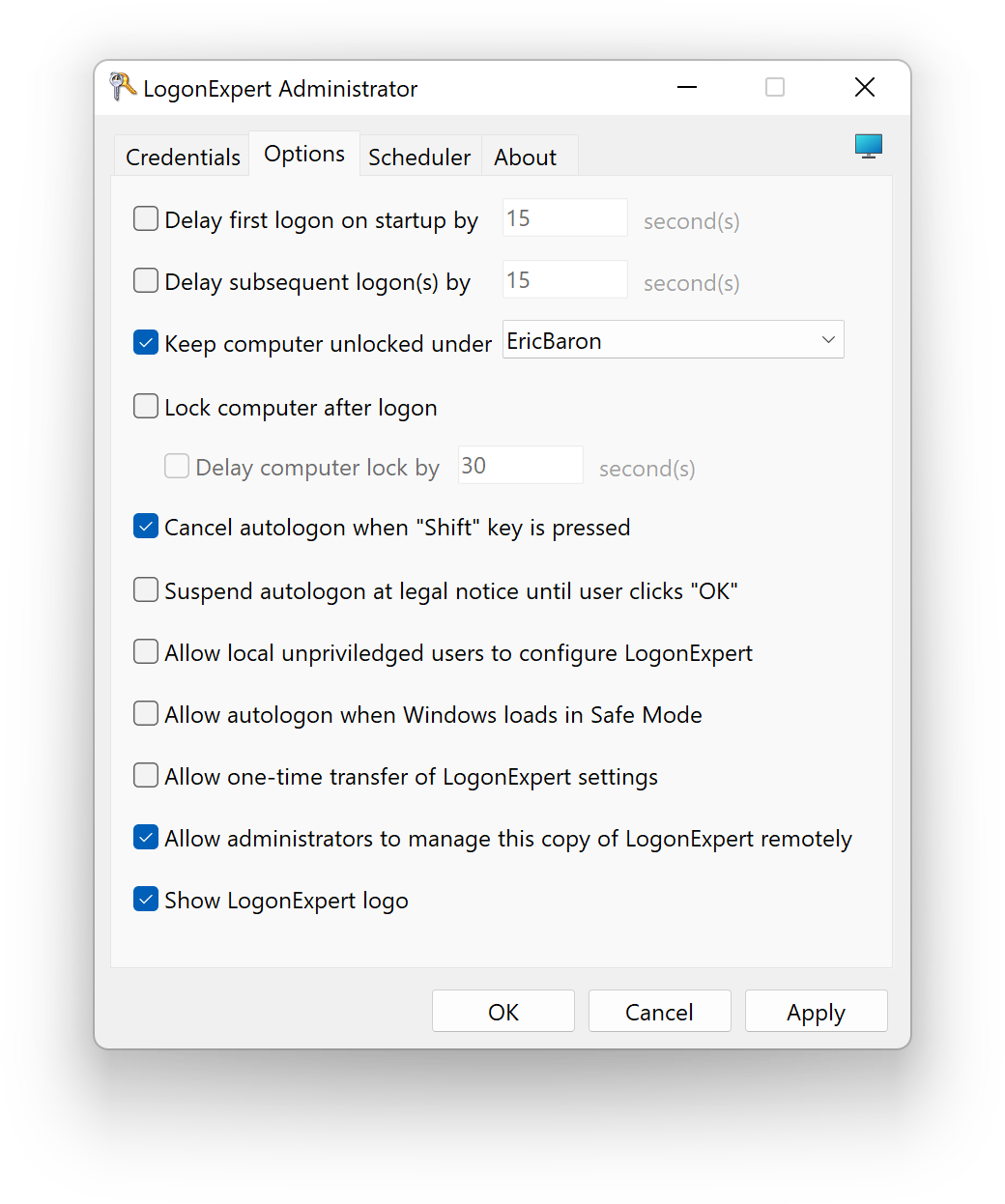
Any logged-on session can be secured with automatic workstation locking.Delayed or scheduled logon, lock and logoff
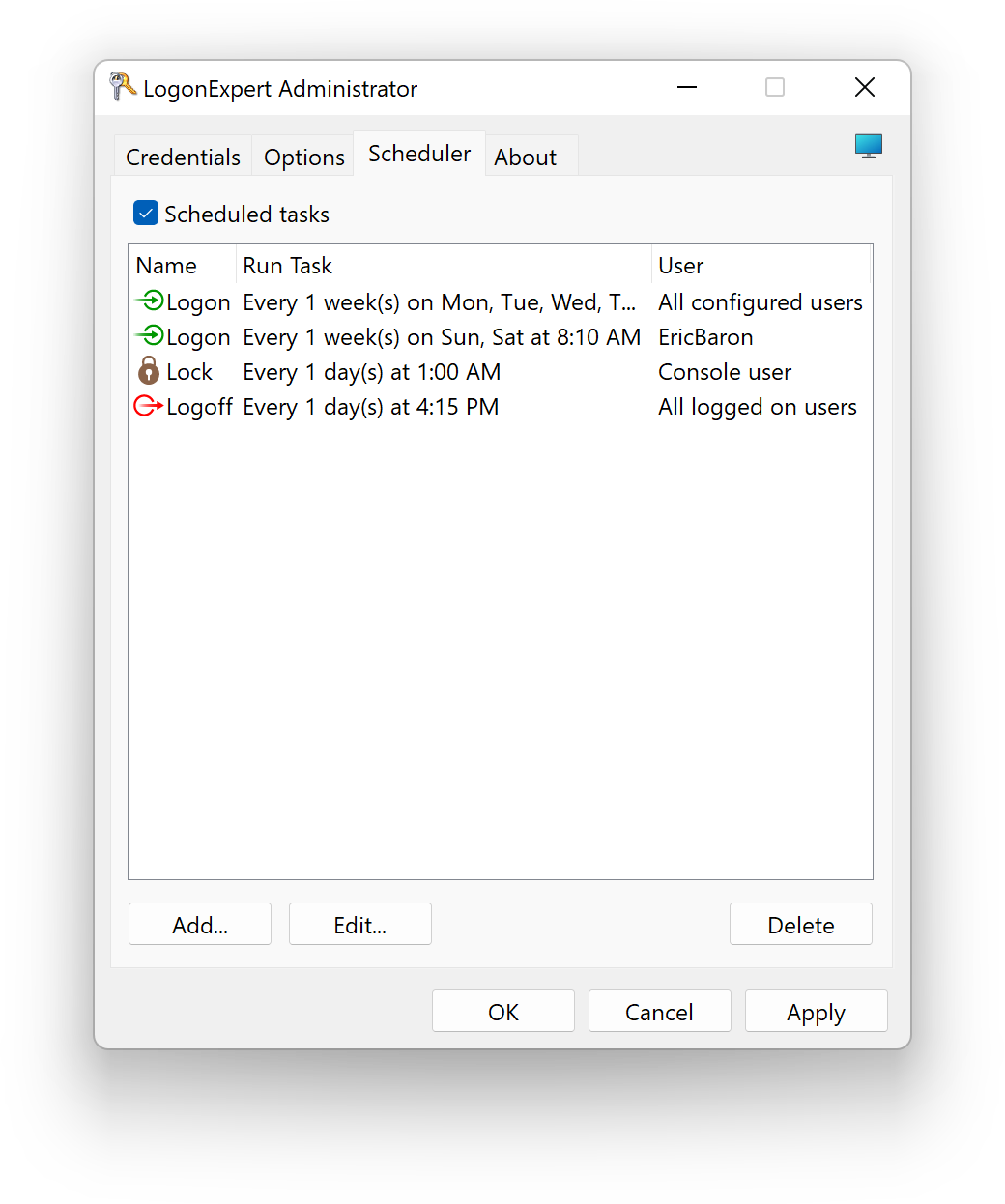
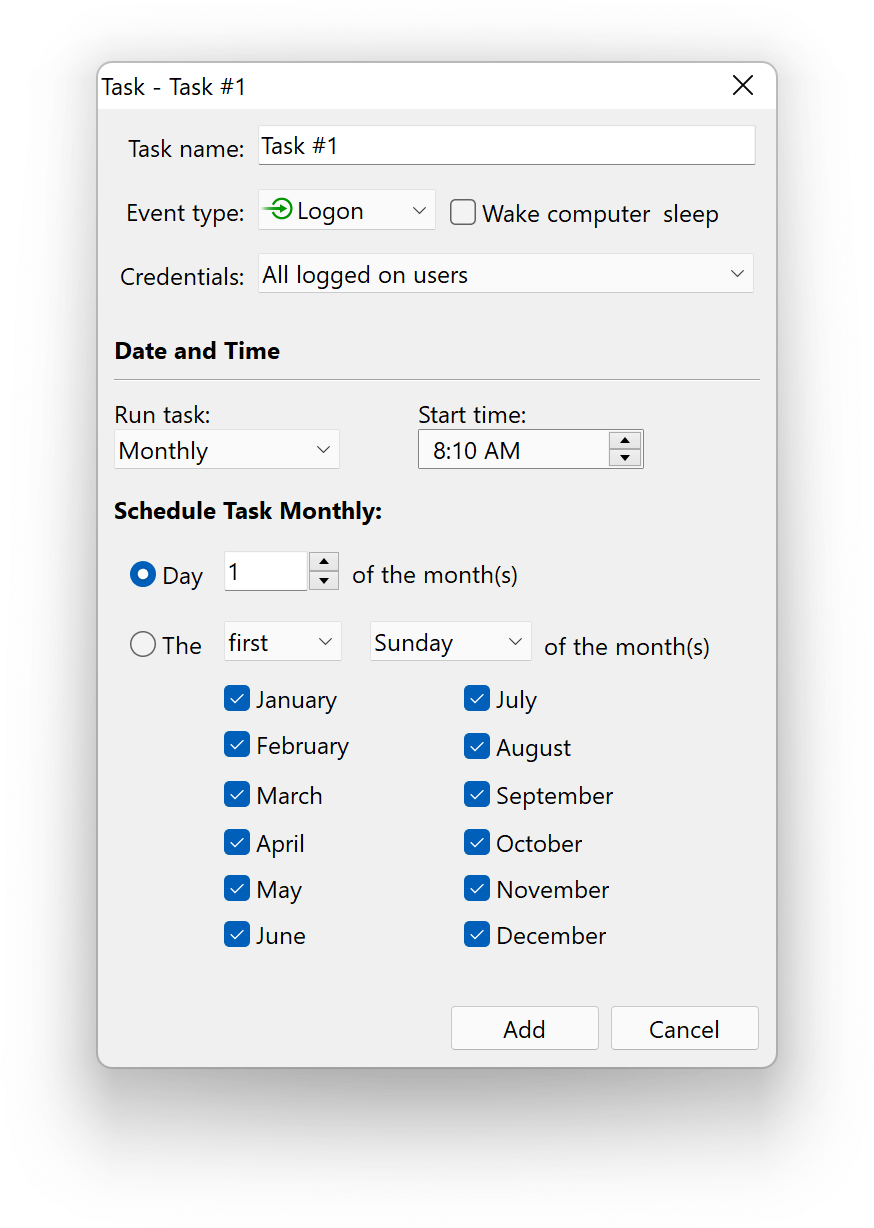
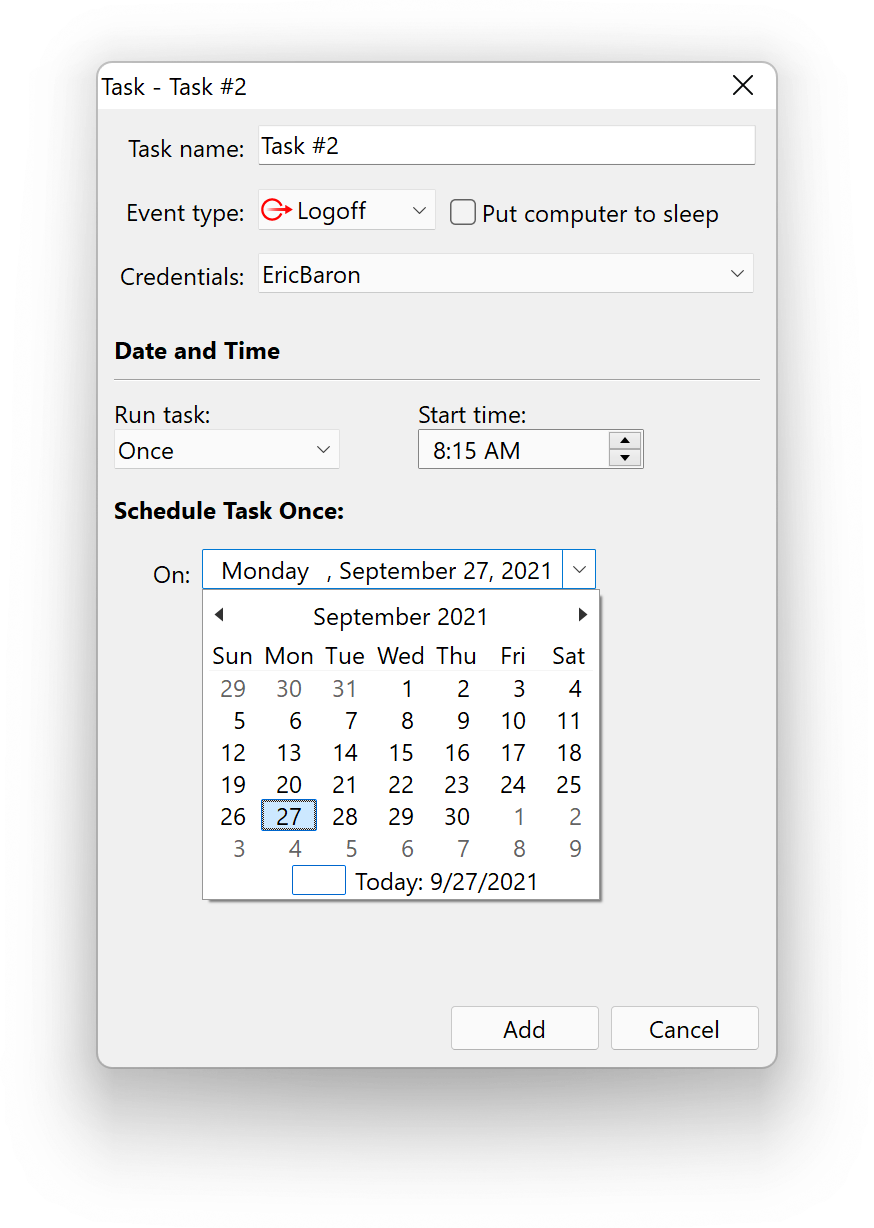
Configure a simple pre-logon delay, or set up an advanced configuration with the built-in scheduler. Also available is the post-logon wake-up capability.Keeping user logged on
LogonExpert can be configured to automatically log a specified user back on each time any user of the computer logs off.Bypassing auto login barriers
Ctrl+Alt+Del requests, shutdown events, system legal notices and any other windows appearing before logon are bypassed automatically.User rights control
Administrator can allow or deny limited users the ability to configure Windows Autologon.Keeping computer unlocked
Have your computer unlocked automatically after a wake-up, screensaver shutdown, manual lock or system idling.Support of third-party 2FA/MFA systems
LogonExpert detects and works with all major two-factor authentication (2FA) and multi-factor authentication (MFA) systems for Windows autologon, such as Duo, Imprivata, Okta, etc. You get the software's secure autologon functionality while also having your system protected by 2FA/MFA.All Windows versions supported
All modern versions of Microsoft Windows are supported—from Windows Vista to Windows 10, including Windows Vista, Windows Server 2008, Windows Seven, Windows Server 2012, Windows Server 2016, Windows Server 2019, Windows 8 and Windows 10.Optional autologon interruption
Autologin can be interrupted with ease by pressing the “Shift” key. This option can be configured.Windows Safe Mode support
Even loaded in safe mode, LogonExpert will work normally. You can allow or disallow this capability, as it is easily configurable.